Building a business gets expensive fast. A font here. A mockup there. Another subscription promising it’ll change your life while quietly pulling out of your bank account.
When you’re building something with purpose, every dollar has a job. I’m growing Brass Halo Society, and I want tools that help me create, communicate, and get my work out into the world without needing a whole production team. I celebrate anyone chasing their dreams, and if you are a creative like me, then let me tell you about Creative Fabrica. Prepare to be amazed! It’s got so many different options it offers and is the most affordable one I have found yet!
I believe in showing up for what God has placed on your heart. I also believe in checking the yearly charge before you click subscribe. Faith and a budget can absolutely share a table.
That’s where Creative Fabrica comes into this business-on-a-budget conversation. But there are two different offers to understand: Creative Fabrica All Access and Creative Fabrica Studio AI.
Disclosure: This post includes affiliate and invite links. I may receive a commission or referral reward if you use them. My comparison with Kittl reflects my personal experience.
Creative Fabrica All Access: Your Fonts, Graphics, and Creative Resources in One Place
If you regularly need design assets, buying everything individually can become a little financial death by a thousand downloads.
Creative Fabrica All Access brings fonts, graphics, illustrations, patterns, backgrounds, templates, product mockups, SVG/cut files, embroidery designs, and creative classes together. The subscription includes unlimited downloads of the marketplace assets covered by the plan.
Think bold lettering for a tee, a background for a workbook, or a mockup showing how a design looks on a mug. You can browse resources instead of creating every element from scratch.
My favorite selling point is straightforward: Stop buying every font and design separately—get your creative resources in one place.
This is especially useful for bloggers, graphic designers, crafters, digital-product creators, and print-on-demand sellers who need assets regularly.
For a brand like Brass Halo Society, I can see the value across apparel, promotional graphics, and digital products. The resources give you a starting point; your message and creative choices give the finished work its identity.
The Budget Detail: It’s Billed Yearly
At the time of writing, the All Access page advertises $3.99 per month and lists $47 billed yearly. Check the checkout total and renewal terms because offers can change.
That monthly figure is a price comparison. On the yearly offer, you pay the annual amount together. It’s one of the most affordable tools I have seen on the market.
The value depends on whether you’ll actually use the downloads and classes. If you’re creating regularly, an annual asset subscription may fit your workflow. If you only need one font, compare buying that font individually before committing.
Explore Creative Fabrica All Access:
https://www.creativefabrica.com/ref/25095743/?campaign=Lynzess777
Plus, Grab a few of my freebie fonts, templates, and holiday graphics for your own creative designs at the following links to try them out:
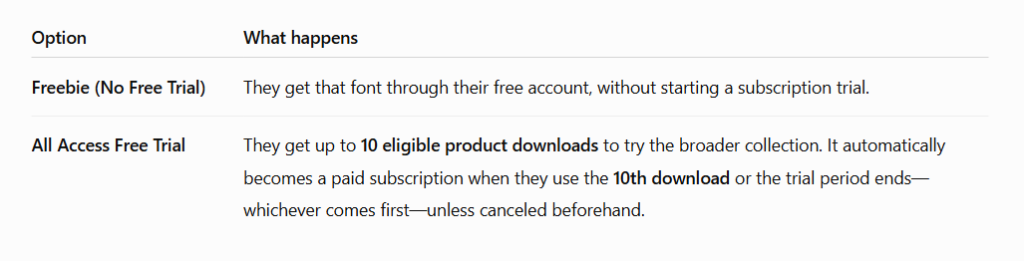
To clarify, choose the No Free Trial so you can download them just to try out first, that is, unless you want the Free Trial, in which you will be charged upon your 10th free download. See Below:
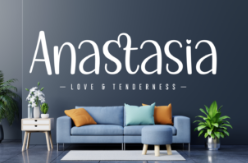
https://www.creativefabrica.com/product/anastasia-11/ref/25095743
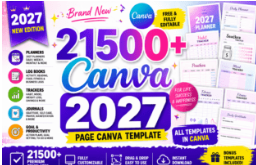
https://www.creativefabrica.com/product/13200-canva-page-template-kdp-2027/ref/25095743
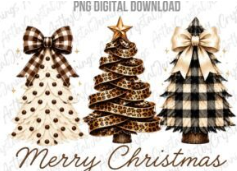
https://www.creativefabrica.com/product/rustic-plaid-leopard-christmas-trees-png-5/ref/25095743
Commercial and Print-on-Demand Rights: Yes, With Clear Boundaries
All Access includes a commercial license, so eligible assets can be used in business projects under its terms.
Fonts can be used in POD designs as long as the font file can’t be extracted. For other eligible asset categories downloaded on or after April 25, 2026, the current license includes Full POD rights, allowing use on physical products for sale without modifying the design. Some categories, including Needlework, are excluded from POD use.
Digital products have their own requirements. Commercial rights don’t mean you can redistribute the original font or graphic files. Digital end products must meet the license’s originality requirements.
You can keep selling items created during your active subscription after it ends. New designs made afterward generally aren’t covered, apart from the specified craft-file exception.
I want you building with confidence, so check the license for what you’re actually making.
Studio AI: For Creating Images, Videos, and Marketing Content
Studio AI is a separate subscription. All Access covers marketplace downloads; Studio AI gives you access to AI creation and editing tools. Paying for one doesn’t automatically include the other.
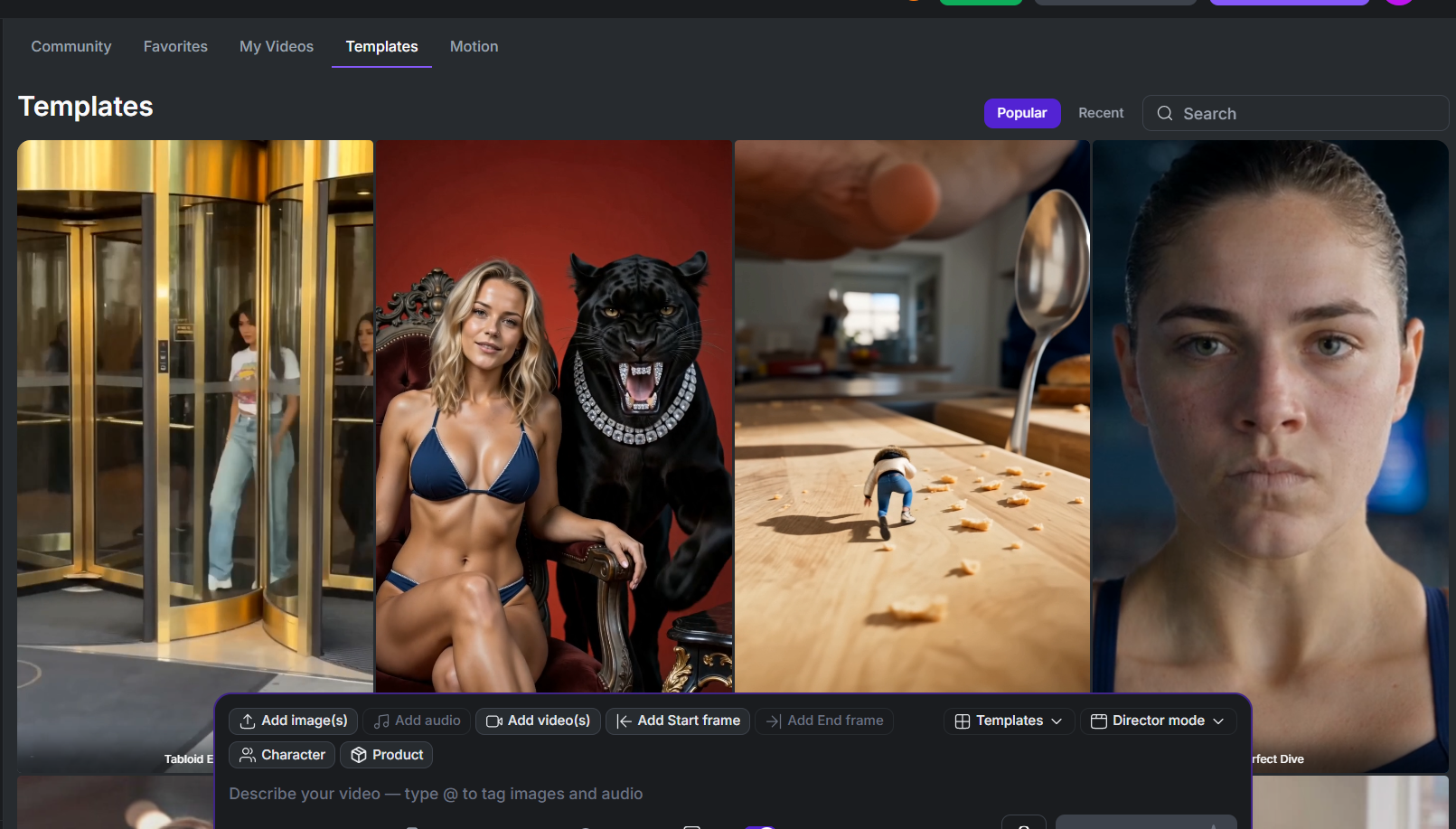
This is the offer I’d look at when the job is creating promotional content: an ad, a video, a thumbnail, or a new product scene.
Its tools include image generation and editing, background removal, image upscaling, and image-to-SVG vectorizing. The upscaler belongs on the Studio AI side of this comparison, rather than being promised as part of All Access.
For marketing, Studio also lists:
- UGC-style templates: Creator-style video formats for presenting products.
- Product-photo-to-video ads: Build short promotional videos from product imagery. No longer do you need to hire studio space, have the perfect lighting, camera equipment and pay for expensive editing and hours on cool looking shots, you can make it happen in minutes with a prompt!
- AI mockups: Generate scenes for showcasing products.
- YouTube thumbnails: Create attention grabbing visuals for your video content with a hook and great visuals.
- Subtitles: Generate captions for videos.
- Video generation, editing, and upscaling: Create or refine footage.
- AI speech, music, and sound effects: Produce supporting audio.
- Image Alive: Animate an image and add audio for a talking video.
Studio currently offers Seedance 2.5 among its video-generation options. It’s one available model, rather than the engine behind every Studio tool.
How I’d Approach a UGC-Style Ad
UGC means user-generated content. AI UGC-style ads borrow that conversational, creator-style presentation, but the generated presenter isn’t a real customer testimonial. With the way AI is advancing so quickly, they are more and more hyper-realistic as they come out with new models, and sometimes I can’t even tell the difference between a generation and a real human!
My approach would be to start with one product to promote. Use the relevant template or video tool, provide clear product imagery and direction, and review the generated result. Then add subtitles and finish with a clear call to action. There is also an option to use your own creativity and make a video using your own prompt from scratch so it gives you a lot of flexibility and versatile ways using it for your brand.
For an affiliate ad, I’d make the benefit obvious before introducing the link or code. Show people what the tool helps them do. That’s more useful than reading them a catalog of buttons.
Always check product details, text, and claims before posting. A polished video still needs an honest message.
Coins, One-Time Top-Ups, and What My Video Used
I sometimes call them tokens, but Creative Fabrica calls its generation credits Coins. Different tools and settings use different amounts.
My whole UGC video used about 20,000 Coins. That’s my example, rather than a fixed price for every video. Check the displayed cost before generating, and leave room in your budget for revisions. If you only need mock up pictures, that uses far less coins.
The current Studio AI offer is billed yearly, but you are able to buy top-up coins with subscription which is really nice. Confirm the annual total and included Coins at checkout. If you need more, you can buy a one-time Coin Pack instead of starting a recurring Coin Pack subscription.
Those extra Coins still require an active subscription for either Creative Fabrica or their Studio AI subscription. Purchased Coins expire one year after purchase; included promotional Coins expire at the end of the annual billing period and don’t roll over.
One billing detail to know: a trial can become paid when its time ends or its usage allowance is exhausted, whichever comes first. That includes the tenth All Access trial download or using all Studio AI trial Coins.
Why I Currently Prefer It to Kittl
For what I’ve been making, I currently prefer Creative Fabrica Studio AI to Kittl. I’ve seen it make fewer mistakes in the results I’ve tried, which matters when I’m working with limited time and a budget.
That’s my experience, rather than a promise that it’ll outperform Kittl on every project. I still review the output. But fewer corrections in my workflow give me more time to finish the work and share it. Also many times I told kittl I wanted a 5400×4500 px image at 300 dpi with a transparent background and it generated something way off. I have had to get ahold of customer service quite a few times to get some tokens back because of their errors. They have worked well with me and been helpful, but it can get frustrating easy. I have not ran into that problem with Creative Fabrica’s AI Studio, but I also haven’t been using it as long either.
If you become a paid member we will both get 100,000 coins FREE with this link:
Explore Studio AI through my invite link: https://studio.creativefabrica.com/invite/cex16Cq5M0?share=copy
Check the invite page for any current bonus and its qualifying conditions.
Which One Fits Your Business?
Choose All Access if you mostly need downloadable fonts, graphics, templates, craft files, and designs for content or products. This has been the most affordable place to find tools for graphics, fonts, POD tips, tutorials, upscaling and even vectorizing images in one place and the most affordable!
Choose Studio AI if you mostly need to access promotional tools or generate and edit images, create mockups, make short videos, produce thumbnails, subtitles, and they even have audio. It also has a product manager, workflows, etsy coach….and the list keeps getting bigger!
Both may make sense if those are regular parts of your work. You don’t need to buy both just because they’re available.
My advice is to pick one job you need done this month and choose the tool that helps you finish it. Make the product. Publish the blog. Get the ad out. Then decide whether the subscription earned its place in your budget.
You’ve got a message worth sharing. Give it your attention, give your money a plan, and keep building!
Comments >>